LetsCodex0%
Loading the migration studio…
Skip to content
LetsCodex
ServicesWorkBlogProcessToolsPricingTeam
Book audit
ServicesWorkBlogProcessCMS pickerToolsPricingCare plansTeamBook a migration audit
LetsCodexLetsCodex
LetsCodex

We migrate growth teams off WordPress to Next.js + a headless CMS.

Next.js · Sanity · Strapi · Payload CMS

Services

WordPress → Next.jsHeadless CMS + Next.jsFigma → Next.jsCMS pickerProcess

Company

WorkBlogPricingCare plansTeamPrivacy policy

Contact

hello@letscodex.comBook a migration audit
© 2026 LetsCodexHeadless migration for growth-focused teams
Home/Blog/Should You Rebuild on WordPress or Migrate to Next.js?
Buying guide
BusinessJuly 7, 2026Updated July 7, 20267 min read

Should You Rebuild on WordPress or Migrate to Next.js?

A decision framework for choosing between a WordPress rebuild and a migration to Next.js, based on performance needs, editor workflow, and growth plans.

Mubeen HassanFounder, LetsCodex
Rebuild vs Migrate

Teams usually arrive at this question after a slow site, a frustrating redesign, or a plugin conflict that took down production. The platform is rarely the actual root cause, but it is often still the right point to make a real decision.

If performance is the deciding factor, check your current Core Web Vitals before committing either way.

Run the website speed checker

Leaning toward a migration? See how the process is scoped.

See the migration service
01

When rebuilding on WordPress still makes sense

WordPress is not automatically the wrong choice. It fits specific situations well.

  • The site's problems are design and content quality, not performance or platform limitations.
  • The team relies on a specific WordPress plugin ecosystem that has no direct replacement.
  • Editorial workflows are already working well and the team is small and non-technical.
02

When migrating to Next.js is worth the disruption

These are the situations where the migration pays for itself, not just a preference for newer tooling.

  • Core Web Vitals or page speed are actively hurting rankings or conversions and plugin bloat is the cause.
  • The site needs custom, structured content models that WordPress's post/page model fights against.
  • The team is scaling content operations and needs a clean API-driven content layer for multiple frontends.
  • Security or maintenance overhead from a large plugin stack has become a real operational risk.
03

Questions that actually decide it

Skip the platform debate and start here instead.

Is the current pain point performance, security, editorial workflow, or design? Each points to a different fix.
How much of the current plugin functionality is truly needed versus historical baggage?
Who publishes content day to day, and what would break their workflow if the CMS changed?
Is there a real growth plan (more content, more markets, more frontends) that a headless architecture would support?
04

A middle path exists

It does not have to be all-or-nothing on day one.

  • Migrate the highest-traffic, highest-impact templates first and keep the rest on WordPress temporarily.
  • Move to a headless CMS while keeping content authoring familiar for editors.
  • Treat the migration as a phased program with clear rollback points rather than a single cutover.
Keywords
should i rebuild wordpress or migrate to nextjswordpress to nextjs migrationnextjs agency vs freelancer
Need help?

Not sure which path fits your situation?

We review the current site and give a direct recommendation, rebuild or migrate, based on what is actually driving the problem.

Book a migration audit
FAQ

Common questions

01

Is Next.js always faster than WordPress?

Not automatically. A poorly built Next.js site can be slower than a well-optimized WordPress site. The performance gain comes from the architecture decisions made during the build, not the framework name.

02

Will editors need training after a migration?

Some, since the editing interface changes. A well-designed headless setup with good preview tooling usually takes less training than expected, especially compared to WordPress's page builder plugins.

03

What is the biggest risk of staying on WordPress?

Accumulating plugin dependencies that make future changes slower and riskier over time, not any single point-in-time weakness.

Continue reading

Related posts

Headless CMS Cost
Business7 min read

Headless CMS Implementation Cost: A Realistic Breakdown

What actually drives the cost of implementing a headless CMS like Sanity, Payload, or Strapi, and how it compares to a traditional CMS build.

July 7, 2026Read →
Migration Cost
Business7 min read

WordPress to Next.js Migration Cost: What to Expect

A realistic breakdown of what drives the cost of migrating a WordPress site to Next.js, with ranges by site size and complexity.

July 7, 2026Read →
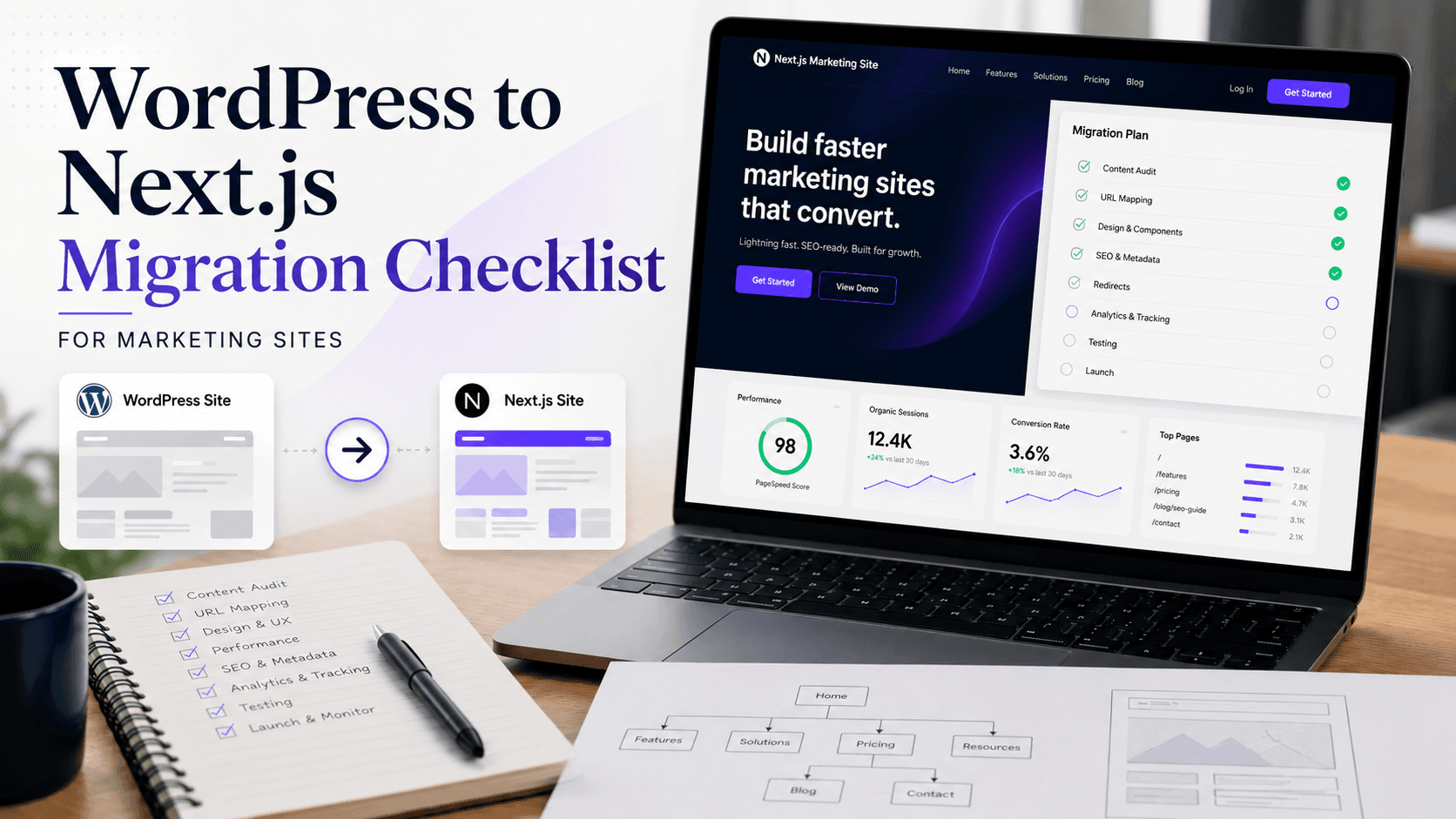
Editorial cover image showing a WordPress to Next.js migration workflow with redirects, content modeling, and performance planningWP -> Next
Migration8 min read

WordPress to Next.js Migration Checklist for Marketing Sites

A practical migration checklist for moving a marketing site from WordPress to Next.js without breaking rankings, forms, or publishing workflows.

May 12, 2026Read →
Next step

Not sure which path fits your situation?

We review the current site and give a direct recommendation, rebuild or migrate, based on what is actually driving the problem.

Book a migration audit ↗See our work