LetsCodex0%
Loading the migration studio…
Skip to content
LetsCodex
ServicesWorkBlogProcessToolsPricingTeam
Book audit
ServicesWorkBlogProcessCMS pickerToolsPricingCare plansTeamBook a migration audit
LetsCodexLetsCodex
LetsCodex

We migrate growth teams off WordPress to Next.js + a headless CMS.

Next.js · Sanity · Strapi · Payload CMS

Services

WordPress → Next.jsHeadless CMS + Next.jsFigma → Next.jsCMS pickerProcess

Company

WorkBlogPricingCare plansTeamPrivacy policy

Contact

hello@letscodex.comBook a migration audit
© 2026 LetsCodexHeadless migration for growth-focused teams
Home/Blog/WordPress to Headless CMS Migration: The Complete Guide
Migration playbook
MigrationJuly 7, 2026Updated July 7, 20269 min read

WordPress to Headless CMS Migration: The Complete Guide

How to move a WordPress site to a headless CMS without losing content structure, editor workflows, or search rankings.

Mubeen HassanFounder, LetsCodex
WP -> Headless

Most WordPress to headless migrations fail on content modeling, not code. The frontend rebuild is the visible part of the project; the part that determines whether editors are still productive six months later is how the content gets restructured along the way.

Comparing Sanity, Payload, and Strapi for this migration? See how they handle content modeling and editor workflows for marketing sites.

Read the CMS comparison

Want a scoped estimate before committing to a headless rebuild?

See the migration service
01

Decide what "headless" actually changes for your team

Headless separates the editing surface from the rendering layer. That trade only pays off if the team understands what it gains and gives up before the build starts.

  • Editors get structured fields and reusable content types instead of a single post body.
  • Preview and publish workflows need to be rebuilt explicitly; they do not come free with a headless CMS.
  • Plugin-driven WordPress features (SEO plugins, page builders, form plugins) need direct replacements, not workarounds.
02

Audit the WordPress content model before picking a CMS

The CMS choice matters less than most teams assume. What matters is knowing exactly what content types, taxonomies, and relationships exist today so nothing is quietly dropped.

Export all post types, custom fields (ACF or otherwise), and taxonomies in use.
Identify content that is actually structured data disguised as free text (pricing tables, team bios, FAQs).
List every plugin that injects markup, schema, or metadata into the rendered page.
Flag content owned by non-technical editors versus content that is effectively code.
03

Rebuild editorial workflows before rebuilding pages

A headless CMS is only a win if editors can still publish confidently without a developer in the loop for routine changes.

  • Define draft, review, and publish states that mirror how the team actually works today.
  • Set up live or near-live preview so editors are not publishing blind.
  • Keep slug, redirect, and metadata fields editable without a deploy.
04

Protect rankings through the cutover

Search visibility is lost through gaps, not through the platform switch itself. Every legacy URL needs an explicit destination before launch.

  • Map every indexed WordPress URL to its new destination, including paginated and tag archive pages.
  • Rebuild schema output for products, articles, and FAQs so structured data parity holds.
  • Re-verify canonical tags, robots directives, and sitemap coverage in staging before DNS cutover.
Keywords
wordpress to headless cms migrationheadless cms developmentwordpress to nextjs migration
Need help?

Ready to scope a WordPress to headless migration?

We audit the current content model, map every URL, and scope the rebuild before any code changes.

Book a migration audit
FAQ

Common questions

01

Do we lose SEO rankings by moving off WordPress?

Not if redirects, schema, and metadata are mapped before launch. Ranking loss almost always traces back to gaps in that mapping, not the platform change itself.

02

Which headless CMS should we pick?

It depends on editor needs and hosting preferences more than raw features. Sanity, Payload, and Strapi all work well for marketing sites; the right choice follows from the content model audit, not the other way around.

03

Can editors still self-publish after the migration?

Yes, if preview and workflow states are designed deliberately. Teams that skip this step end up needing a developer for changes that used to be a five-minute WordPress edit.

Continue reading

Related posts

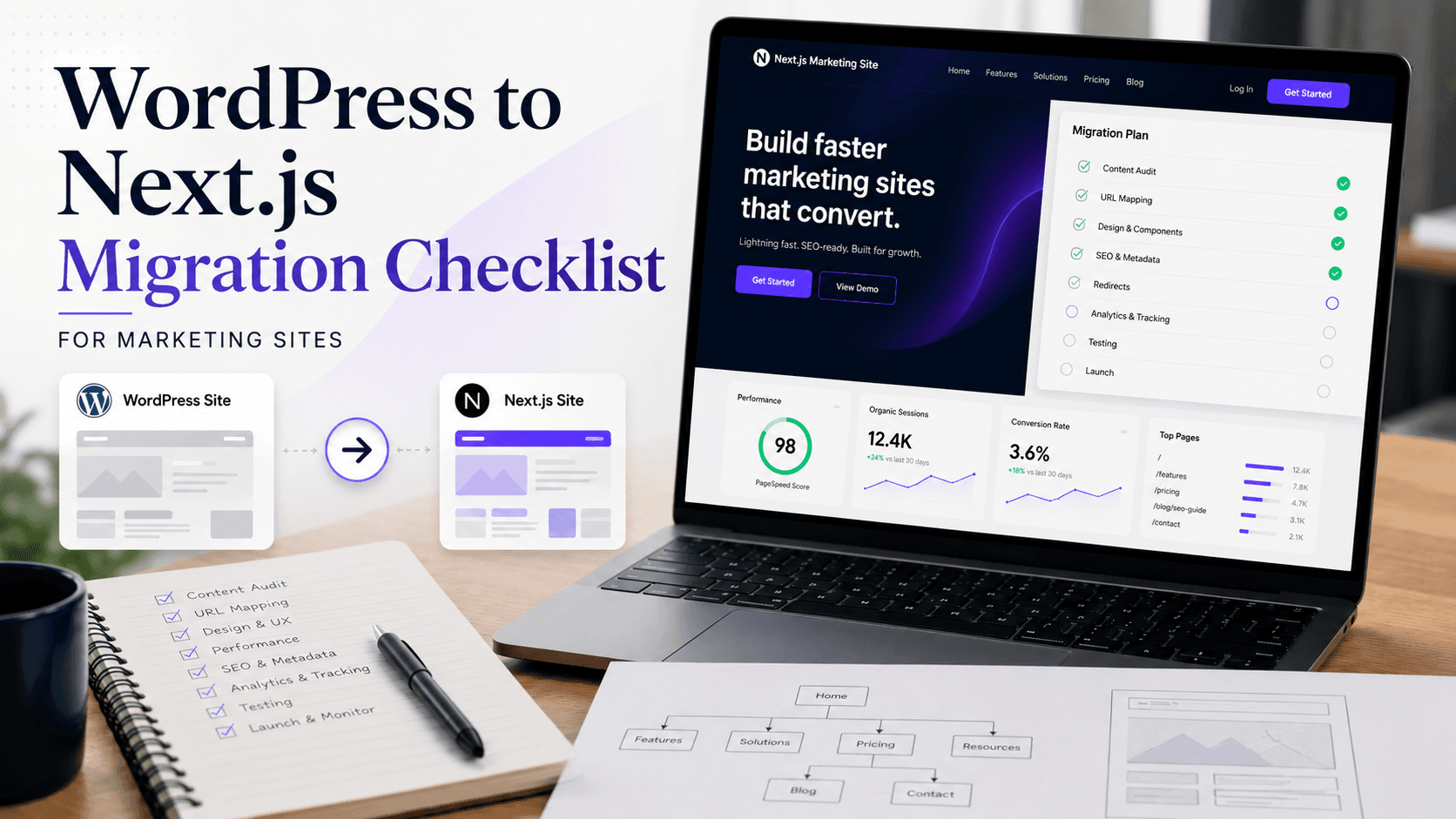
Editorial cover image showing a WordPress to Next.js migration workflow with redirects, content modeling, and performance planningWP -> Next
Migration8 min read

WordPress to Next.js Migration Checklist for Marketing Sites

A practical migration checklist for moving a marketing site from WordPress to Next.js without breaking rankings, forms, or publishing workflows.

May 12, 2026Read →
Redirect Mapping
Migration7 min read

301 Redirect Mapping for WordPress Migrations

A practical method for mapping every WordPress URL to its new destination before migrating to Next.js, so rankings and links survive the cutover.

July 7, 2026Read →
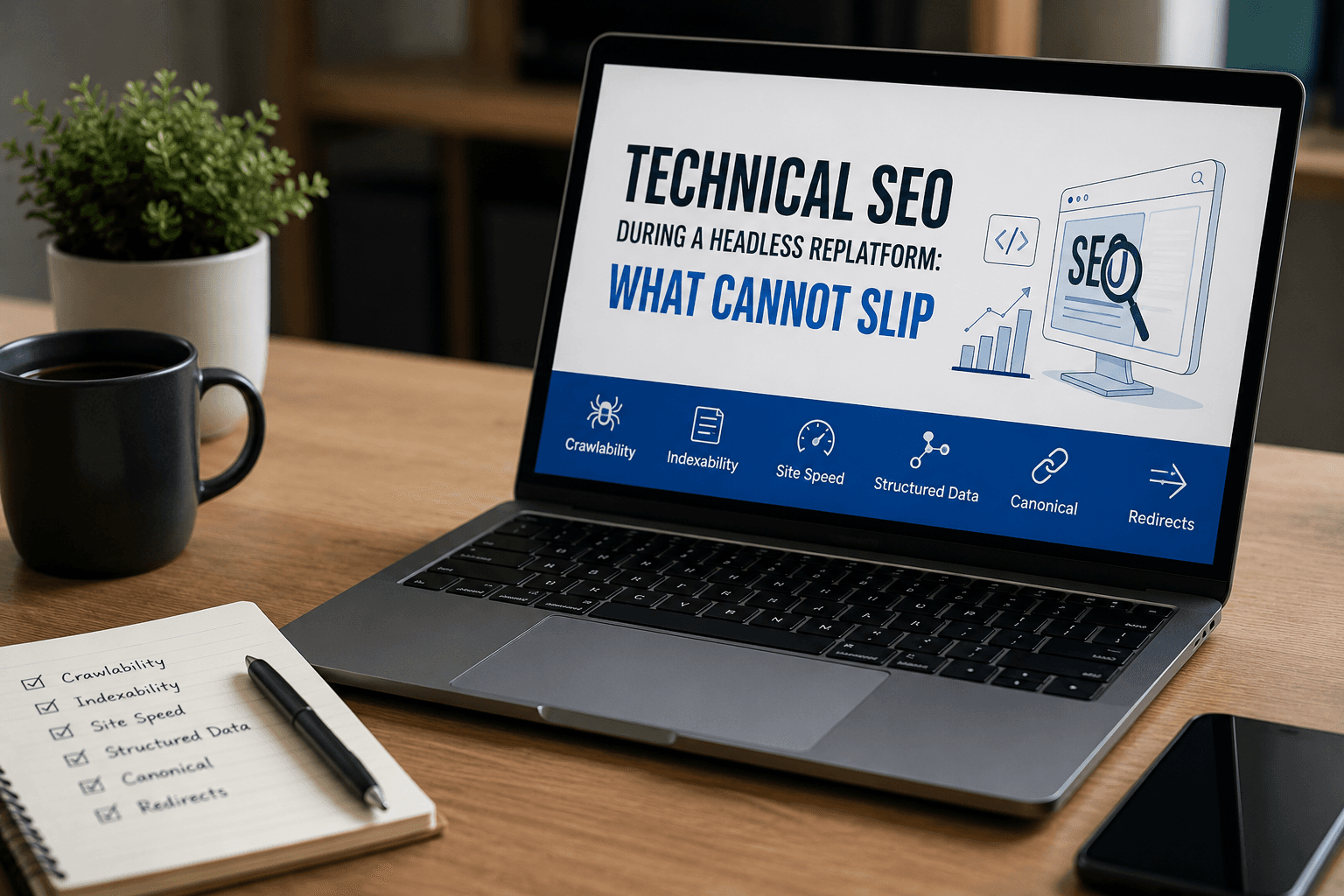
Editorial cover image showing technical SEO guardrails for a headless replatform with canonicals, schema checks, redirects, and monitoringSEO Guardrails
SEO7 min read

Technical SEO During a Headless Replatform: What Cannot Slip

The SEO controls that matter most when replatforming from WordPress to a headless stack, from canonicals and redirects to schema and crawl parity.

April 3, 2026Read →
Next step

Ready to scope a WordPress to headless migration?

We audit the current content model, map every URL, and scope the rebuild before any code changes.

Book a migration audit ↗See our work